Now in TestFlight
Plan.
Train.
Feel.
Build your own workouts, log every set, and see how your training makes you feel.
Free while in testing.
No additional account required.
iPhone only.

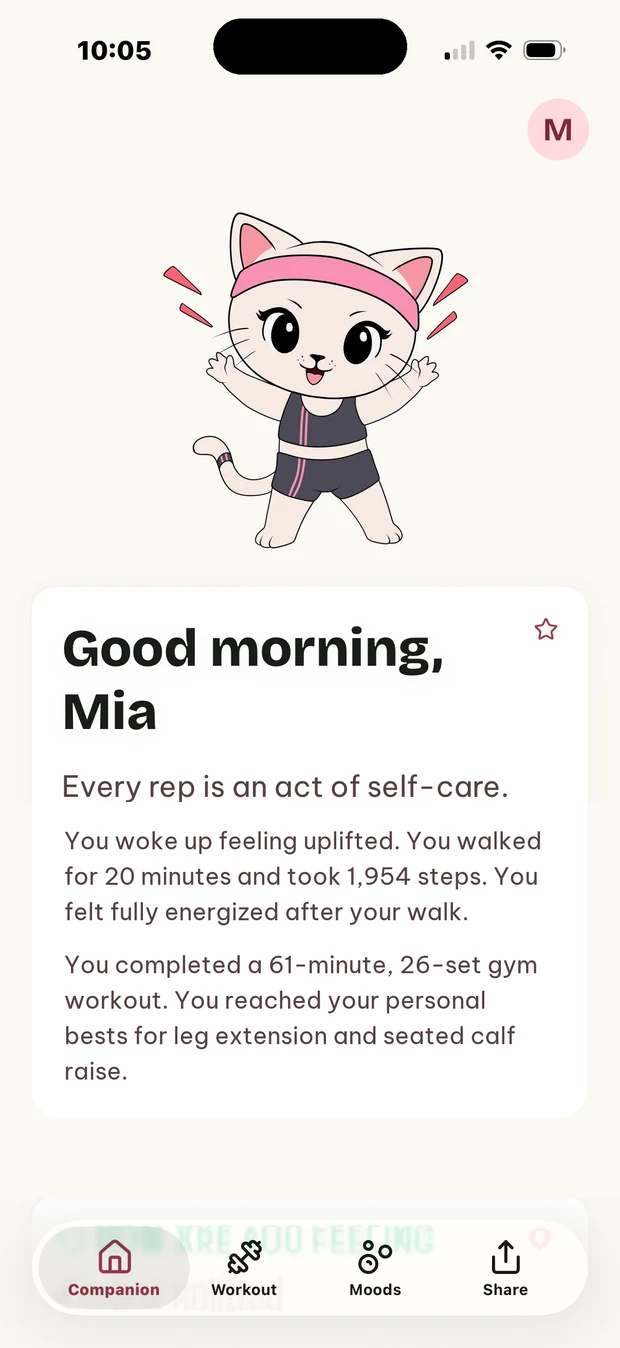
Plan it
You run your own training. Build the workouts you actually do.
Log it
One exercise at a time, from the Lock Screen if you like.
Feel it
Say how it went. The Mood River shows what lifts you.
Everything in the app
Your own workouts Free
Create your own workouts, with warm-ups, circuits and a weight and reps for each set. Start from three example workouts and change them, or delete them. Add your own exercises beside the built-in ones, which come with written instructions and, for most, a short demonstration loop.
In the gym Free
One exercise at a time, so logging stays out of your way. A rest timer with a chime, vibration and a notification when the rest ends. Follow and log your workout from the Lock Screen and the Dynamic Island. Step back a set, swap an exercise when the machine is taken, or leave it for later.
How it felt Free
Check in with how you feel, as often as you like. See your moods over time on the Mood River, with a calendar of every day. Keep notes in your Journal. Say how each exercise and workout felt, or skip it.
Your progress Free
Personal bests, and the history of every workout and exercise. Streaks that count weeks, so rest days never break them. Goals and badges. Share your week, your badges and your last workout as ready-made pictures.
Apple Health Free
If you allow it: see your steps, sleep, heart rate and active energy, and save finished workouts. Gyli never copies your health data off your iPhone.
Spoken cues and nod to log Premium
Spoken cues set by set, also with the phone locked, in the voice you choose. A double nod logs your set, with supported AirPods.
AI reviews of your day Premium
On-device AI reviews of your day, month and year. They describe what you logged and never give advice. They need an iPhone 15 Pro or later, Apple Intelligence turned on and its model downloaded, and iPhone and Siri set to the same supported language.
Export Studio Premium
Your own photos or a video clip, with your badges, stats and text.
We can't see any of it
No account, no ads, no tracking across apps. Your workouts, moods and notes stay on your iPhone and, if iCloud is on, in your own iCloud. Export your data or delete all of it from Settings.
Questions
Why can I only have three active workouts?
The free plan has the Walk plus three active workouts. To add your own, move one to Archived — archived workouts are kept, complete, for as long as you like, and you can make them active again. Premium has no limit.
Can I change the three workouts Gyli comes with?
Yes. They’re examples to get you started: edit, rename or delete them, just like your own.
How do I add an exercise that isn’t in the list?
Search for it in the exercise picker. If it isn’t there, tap Create ‘…’ at the end of the results and it becomes one of your own exercises.
The machine is taken. What now?
Tap ? during the exercise. Do this later moves it to the end of the workout; Swap this exercise does a similar one instead. A swapped exercise counts as done.